

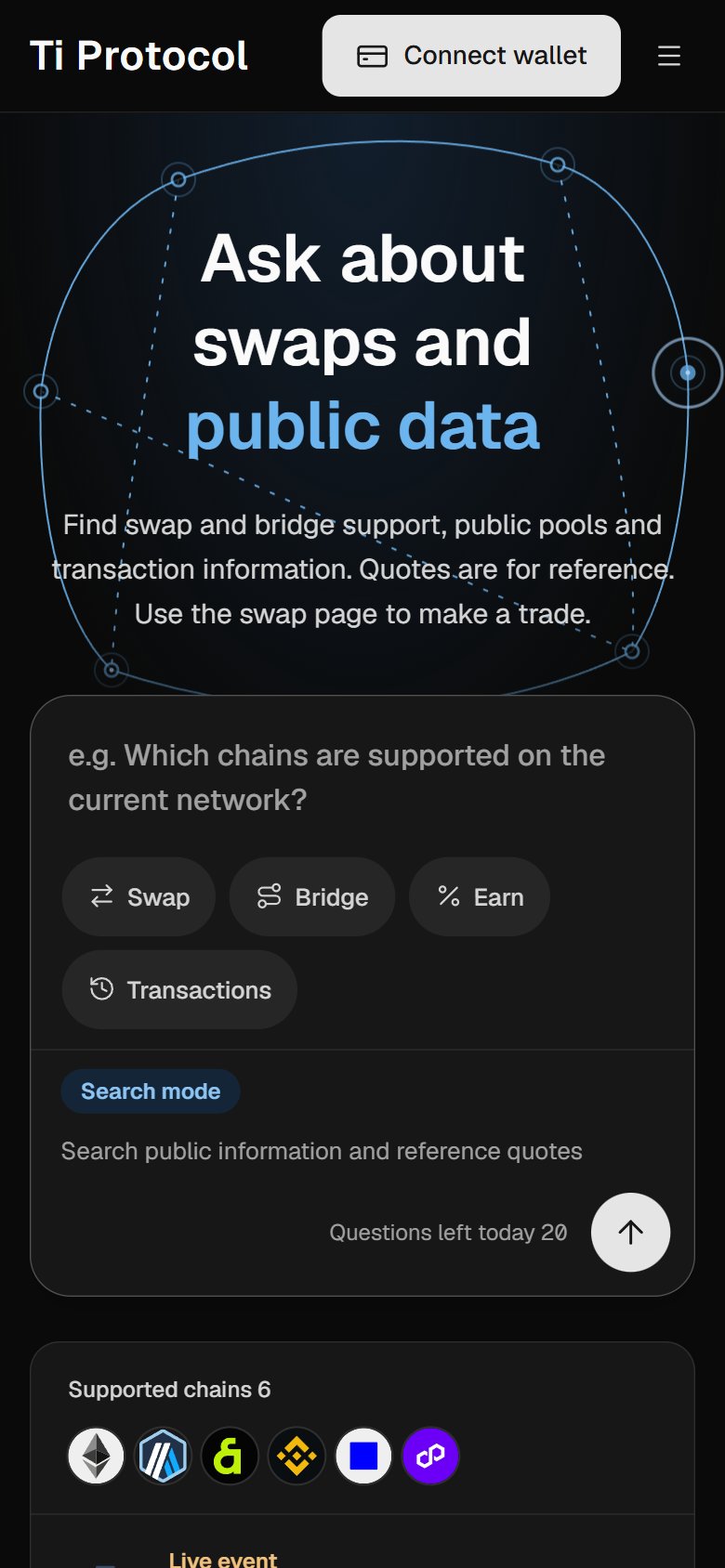
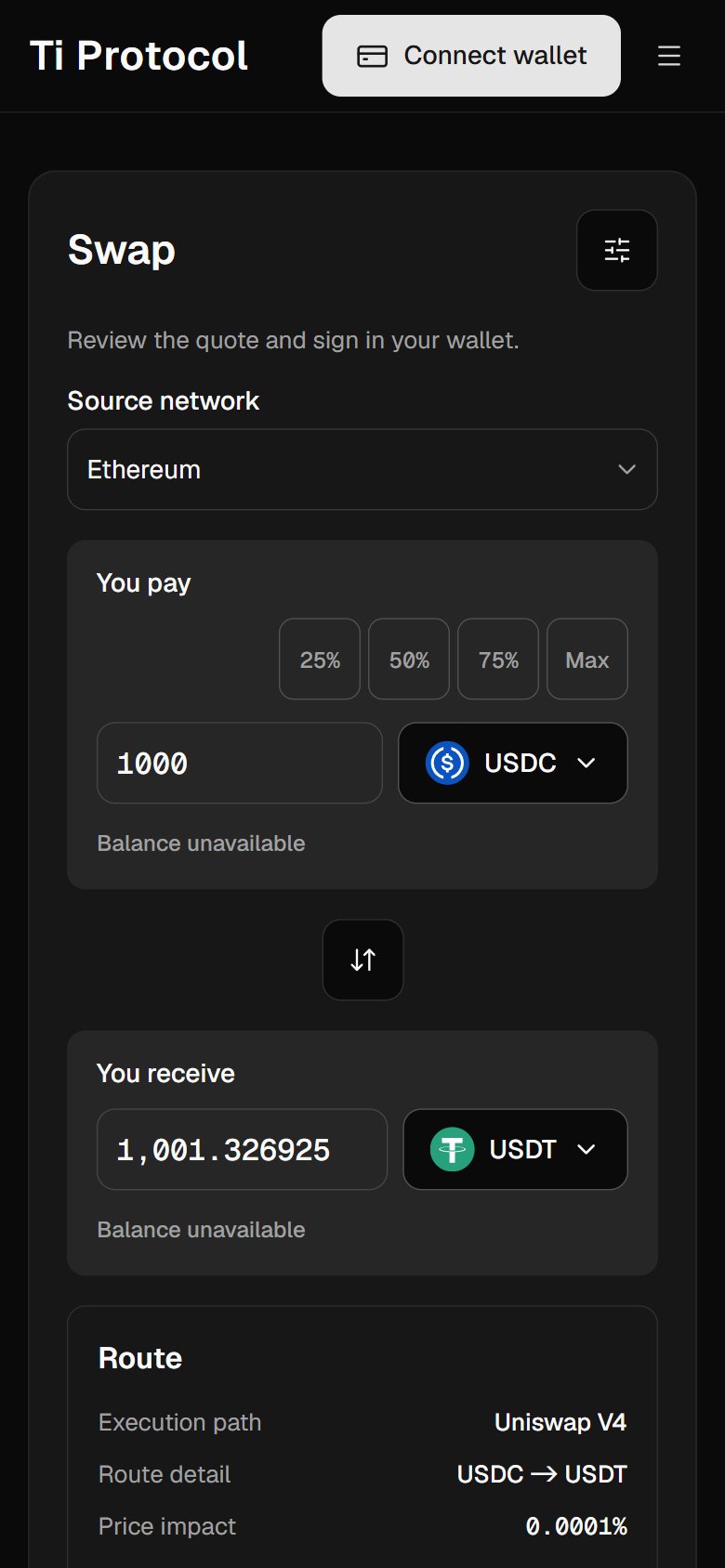
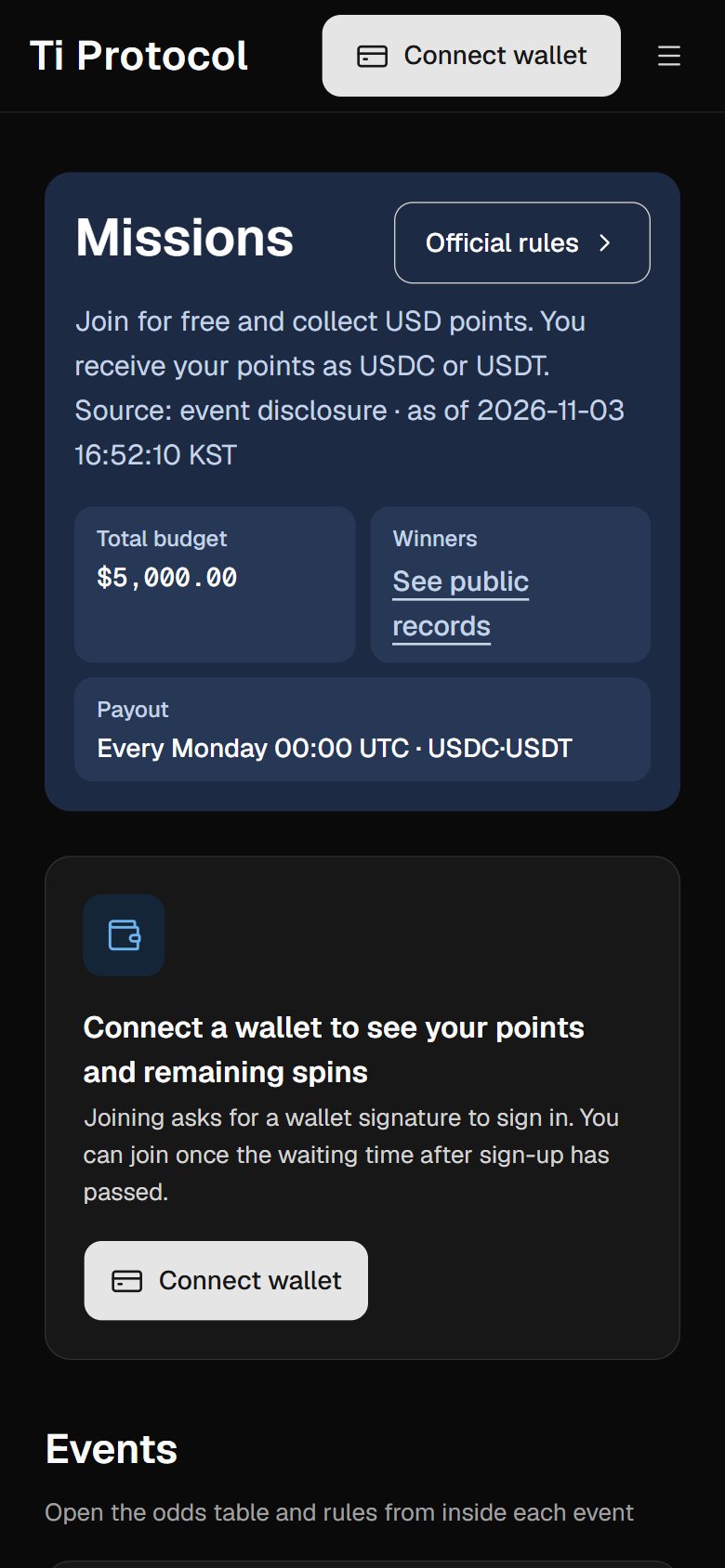
390 × 844 phone screens · captured 2026-11-02
Figure 22. On a phone, asking a question, swapping on a quote and joining missions follow the same screens as on desktop.
1. AI home
AI home is the first screen the user sees on opening the Ti app. Below the input box are frequently asked topics such as swaps, bridges, Earn and transaction lookup, along with the number of questions left for the day and the label “AI-generated answer · Not investment advice”. When the user asks a question, the screen shows Ti AI calling its tools in real time, followed by the answer and its cards. From a quote card, the user can go straight to the swap screen.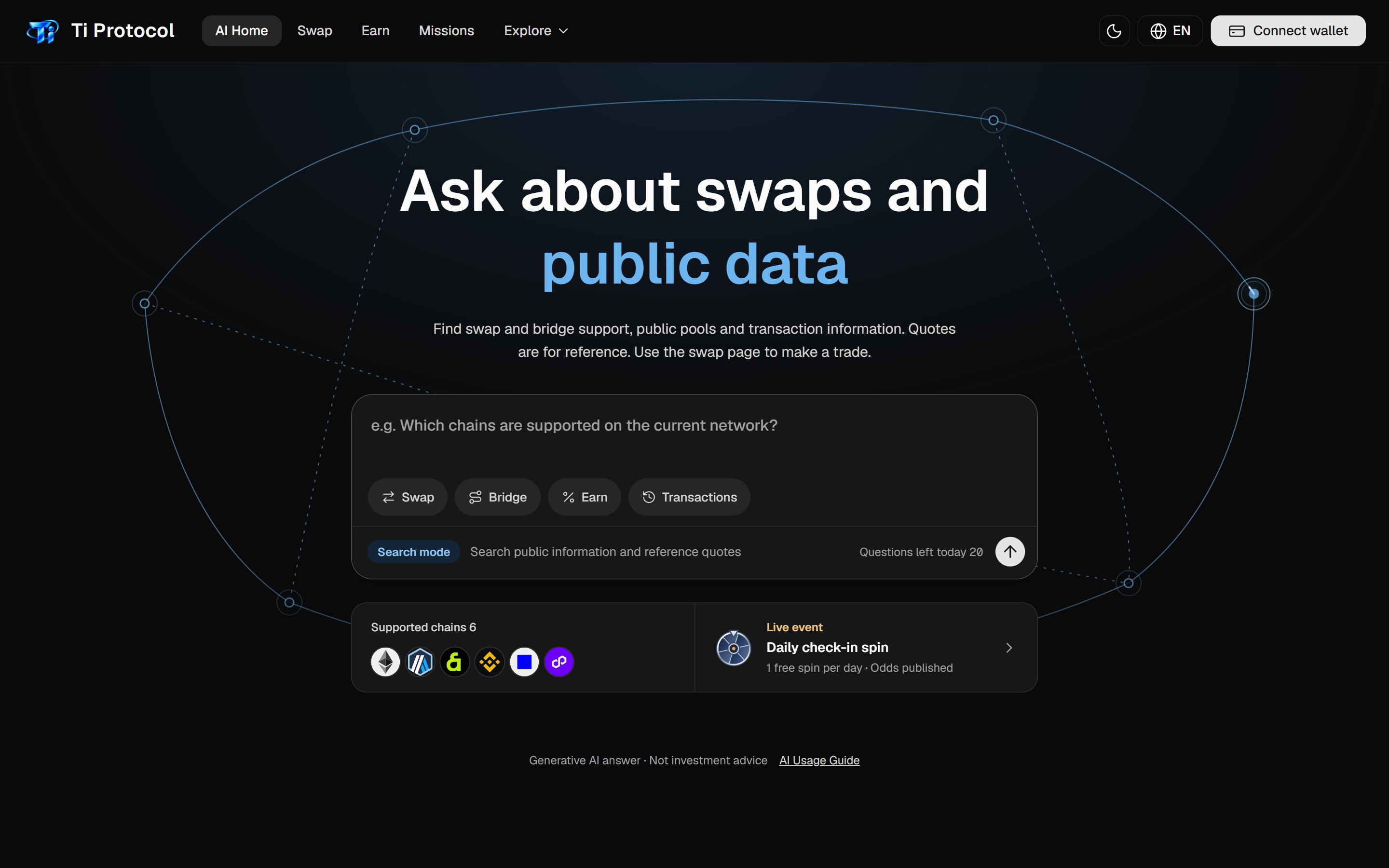
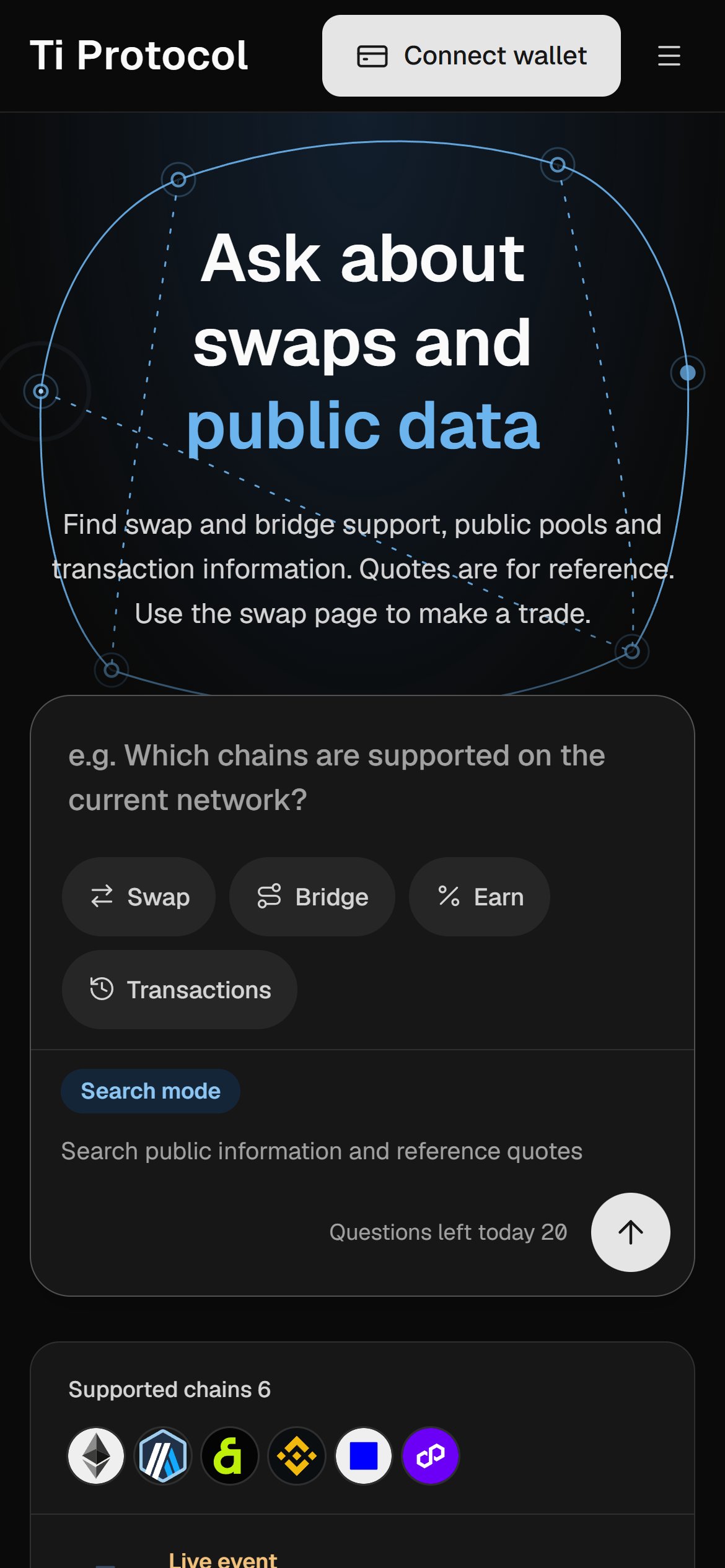
Figure 23. Ti app · The Ti app: AI home on desktop and mobile.
2. Swap
The swap screen presents the engine from Chapter 6 directly to the user. When the user enters the token, chain and amount to send, the engine searches for candidate routes, shows the route with the largest amount received first, and displays the number of routes it found. Expanding a route shows the DEX used for execution, the bridge fee or route details, the price impact, and where the gas fee is shown. In settings, the user sets slippage (automatic or custom), the transaction deadline, Gasless mode and the order of fee tokens.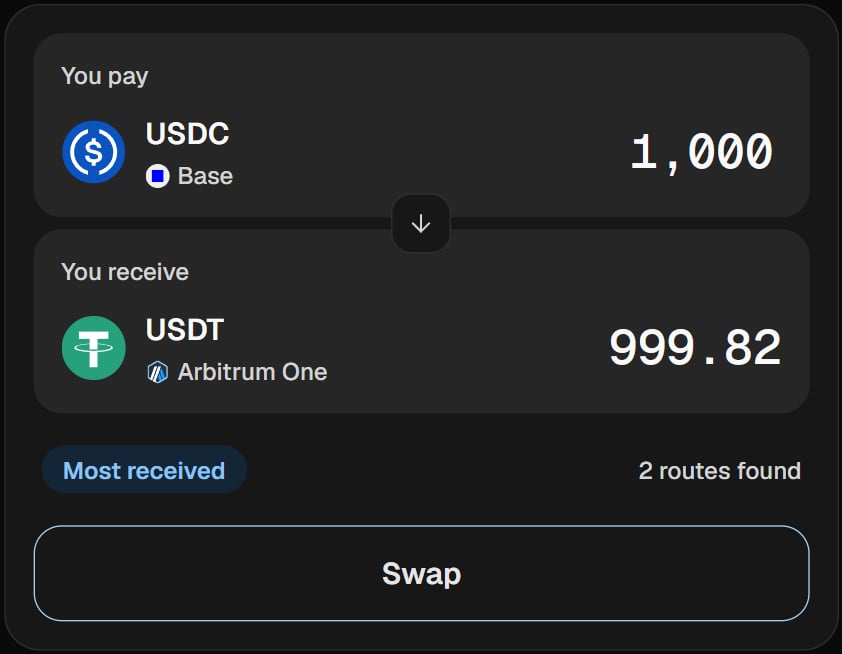
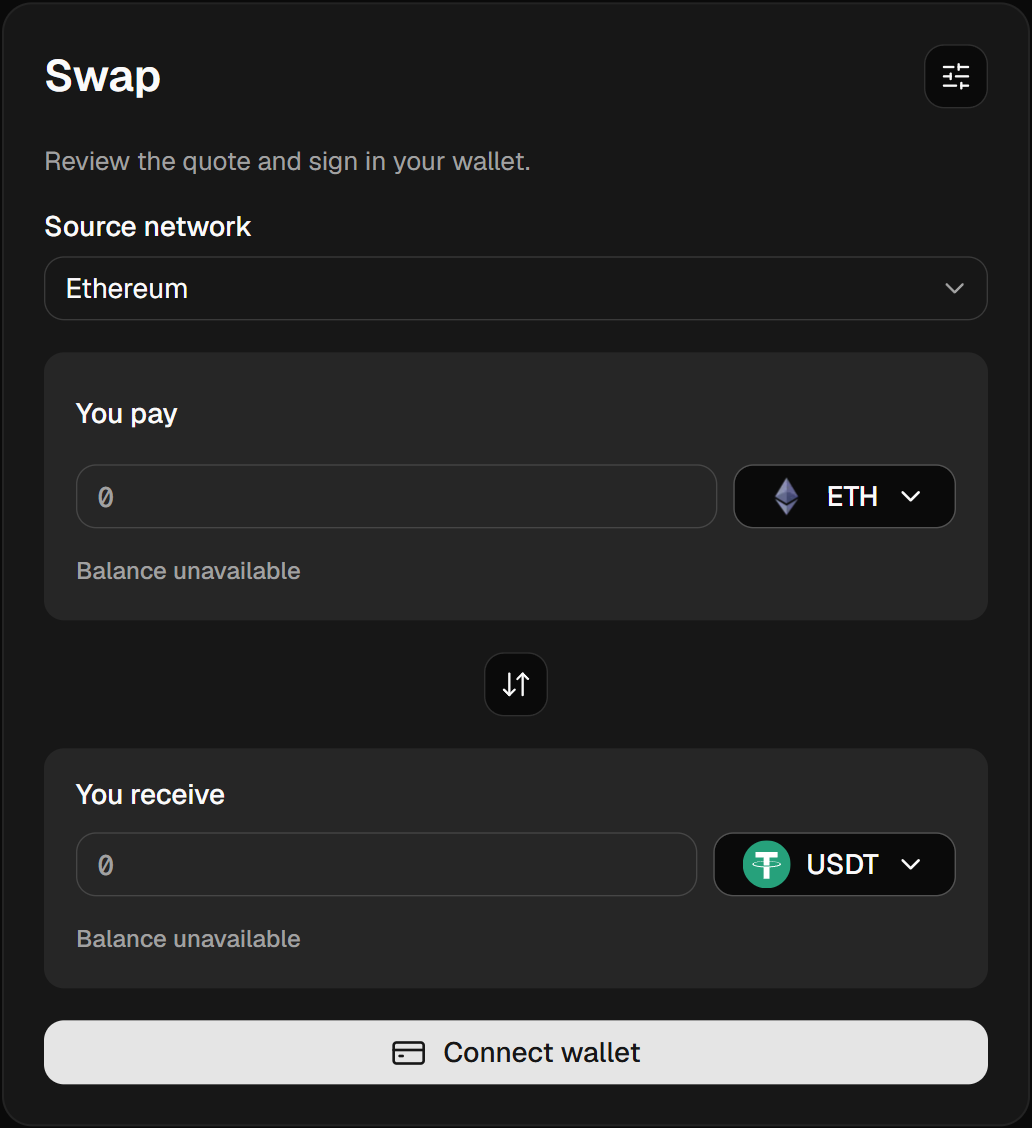
Figure 24. Ti app · Swap: the route with the largest received amount is selected, and the trade is signed in the user’s wallet.
Once a transaction starts, a progress window shows the status of each step. It shows in turn whether an approval is needed, whether it is waiting for a signature, whether the transaction has been submitted to the blockchain, and whether it is confirmed. If the transaction fails, the window records which step failed and why, together with the transaction hash.3. Missions & Rewards
Missions & Rewards gives rewards back to people who use Ti regularly. Users check in every day, join new missions as they open, and invite friends to receive spins. Each user gets a fixed number of free spins per day, which refill over time, and can earn more by taking part in other Ti activities.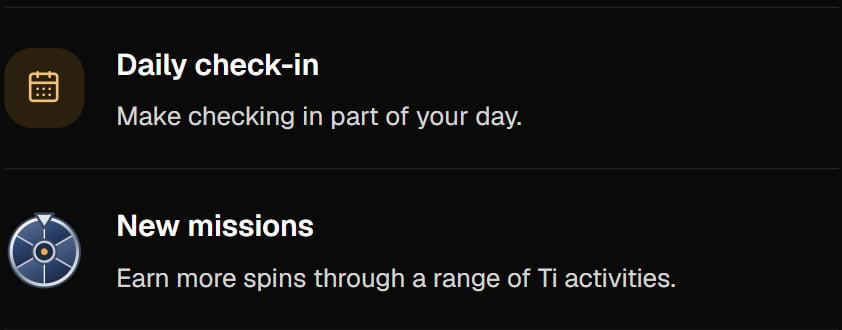
Figure 25. Ti app · Missions & Rewards in the Ti app.
The reward rules are run transparently. The spin odds table is published with a version number and a hash, and the remaining balance of the reward pool is shown alongside it. Rewards are paid in USDC and USDT within the budget set by the event rules, and terms such as the payout cycle and the number of winners are written into the rules. When the rules change, the new version number and the effective date are published together. Eligibility and the reward and payout criteria always follow the official rules of each event. Once TIP is listed, Ti plans to pay part of the mission rewards in TIP from the Ecosystem allocation (Chapter 11).4. Assets
Assets brings the user’s stablecoins, spread across six chains, onto one screen. The user sees balances and recent activity by chain, and can go straight to the swap screen to consolidate them on one chain. Balances are built by looking up the user’s wallet address on public blockchains. Ti does not hold the user’s assets.5. Earn
Earn will show external markets where users can deposit the stablecoins they hold, together with their own deposits. For each market, it shows the protocol that receives the deposit, the asset, the published yield range and the risks. Deposits, too, execute only when the user signs in their wallet. Ti does not promise any yield; the yields shown are taken from each market’s public information.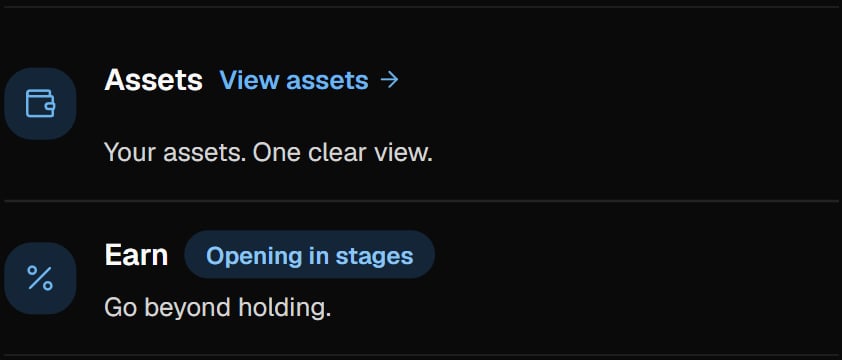
Figure 26. Ti app · Assets and Earn in the Ti app.
6. Explorer
Explorer looks up the records of swaps and cross-chain transfers made through Ti by transaction hash. It shows the timeline from creation to completion, the route and bridge used, the destination chain and the amount received. Ti AI’s transaction lookup uses the same records.7. Supported networks and assets
Ti supports ten stablecoins on six chains: Ethereum, Arbitrum One, Base, BNB Smart Chain, Kaia and Polygon. The DEXs and bridges used on each chain, and the tokens supported there, are listed below.6chains
 Ethereum8
 Arbitrum One5
 Base5
 BNB Chain3
 Kaia3
 Polygon4
 USDS3
 USDe3
 EURC2
 USD12
 DAI4
 USDC5
 JPYC2
 USDT5
 IDRX1
 IDRP1
10stablecoins
6chains
10stablecoins
Ethereum8Arbitrum One5Base5BNB Chain3Kaia3Polygon4USDS3USDe3EURC2USD12DAI4USDC5JPYC2USDT5IDRX1IDRP128 (chain, token) combinations. The small numbers count the tokens on each chain, or the chains that carry each token.
Figure 27. Six chains and ten stablecoins meet in 28 (chain, token) combinations, and each chain supports a different set of tokens.
| Network | Chain ID | DEX liquidity | Bridges | Stablecoins |
|---|---|---|---|---|
| Ethereum | 1 | Uniswap V3 · Uniswap V4 · Curve | Circle CCTP · LayerZero OFT (USDT0) | USDT · USDC · DAI · USDS · USDe · EURC · JPYC · USD1 |
| Arbitrum One | 42161 | Uniswap V3 · Uniswap V4 | Circle CCTP · LayerZero OFT (USDT0) | USDT · USDC · DAI · USDS · USDe |
| Base | 8453 | Uniswap V3 · Uniswap V4 | Circle CCTP | USDC · DAI · USDS · USDe · EURC |
| BNB Smart Chain | 56 | PancakeSwap V3 · Uniswap V4 | — | USDT · USDC · USD1 |
| Kaia | 8217 | DragonSwap V3 | — | USDT · IDRX · IDRP |
| Polygon | 137 | Uniswap V3 · Uniswap V4 | Circle CCTP · LayerZero OFT (USDT0) | USDT · USDC · DAI · JPYC |
| Network | USDT | USDC | DAI | USDS | USDe | EURC | JPYC | USD1 | IDRX | IDRP |
|---|---|---|---|---|---|---|---|---|---|---|
| Ethereum | ✓ | ✓ | ✓ | ✓ | ✓ | ✓ | ✓ | ✓ | · | · |
| Arbitrum One | ✓ | ✓ | ✓ | ✓ | ✓ | · | · | · | · | · |
| Base | · | ✓ | ✓ | ✓ | ✓ | ✓ | · | · | · | · |
| BNB Smart Chain | ✓ | ✓ | · | · | · | · | · | ✓ | · | · |
| Kaia | ✓ | · | · | · | · | · | · | · | ✓ | ✓ |
| Polygon | ✓ | ✓ | ✓ | · | · | · | ✓ | · | · | · |
The value and redeemability of a stablecoin depend on its issuer’s structure. Ti does not guarantee the value of any supported token. Before adding a token, Ti reviews its issuer, reserve disclosures, liquidity depth and cross-chain standard together.